App Stack

Work. AI. Fun. Messengers.
Each one a folder in your Dock.

App Stack for Mac puts folders of apps right in your Dock, among your app icons. Click one, pick an app. The icon shows what's inside.

macOS 26+ · 2 MB · no account, no permissions

This is a live demo: click a stack in the Dock.

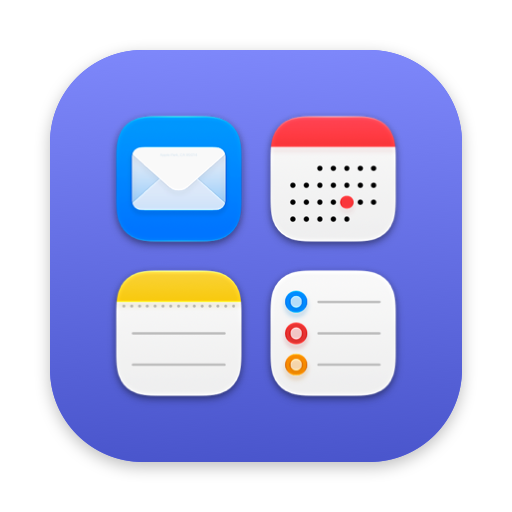
Work stack icon in App Stack: previews of Mail, Calendar, Notes and Reminders on an indigo tile

The icon tells you what's in it.

Previews of the first four apps, on a tile in the colour you picked. You stop reading labels and start reaching.

Work · Mail, Calendar, Notes, Reminders
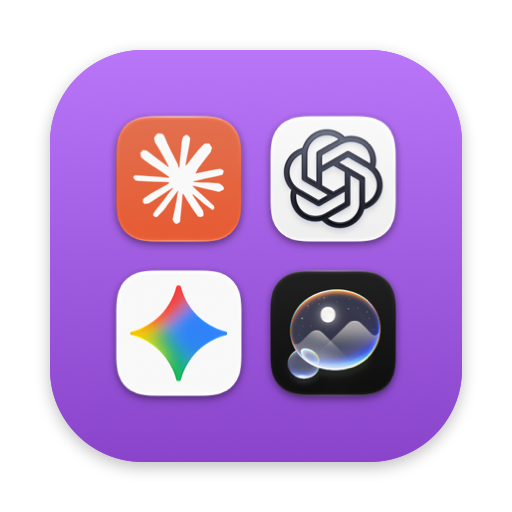
AI stack icon: previews of Claude, ChatGPT, Gemini and Image Playground on a purple tile

It sits where you put it.

A stack is a real Dock icon. Drag it between Mail and Safari, or make it the first thing on the left. Folders in the Dock could never do that.

AI · Claude, ChatGPT, Gemini, Image Playground
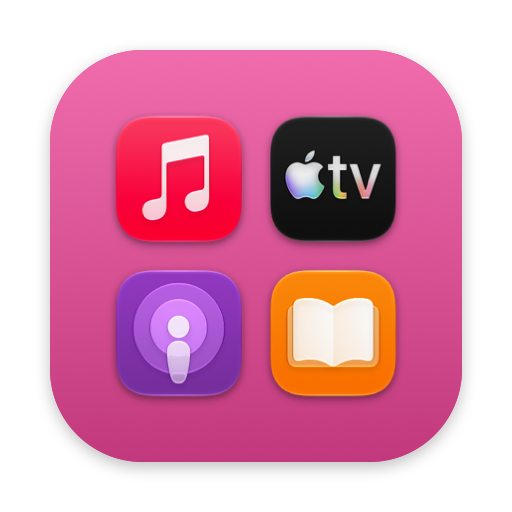
Fun stack icon: previews of Music, TV, Podcasts and Books on a pink tile

Opens where you clicked.

A small panel right above the icon, on whichever edge your Dock lives: a grid, a list, or a fan like the Dock's own. Pick an app and it's gone. No window to manage, no hotkey to learn.

Fun · Music, TV, Podcasts, Books
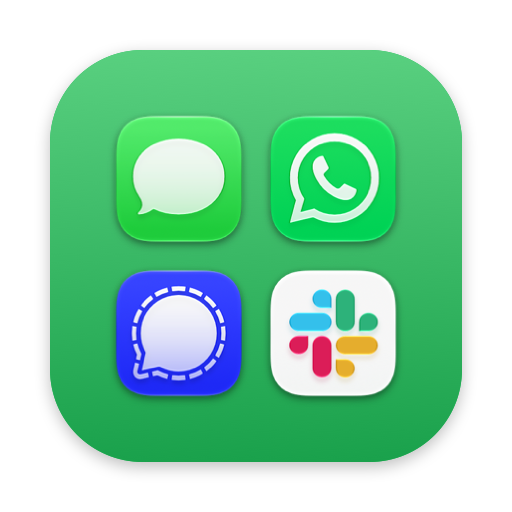
Messengers stack icon: previews of Messages, WhatsApp, Signal and Slack on a green tile

Make as many as you need.

Each stack has its own name, colour and apps. Drop apps on its icon from Finder; drag one out of the grid or list and it's gone with a poof, like an icon off the Dock. Or right-click it: Remove from Stack, in any layout.

Messengers · Messages, WhatsApp, Signal, Slack

One click starts the whole set.

A stack is more than a folder. Right-click it and choose Open All: every app in it starts, the last one in front. Quit All closes them again. Make one for each part of your day.

Work

Mail, Calendar, your browser and the chat app, all up when you log in with Open All at Login. Quit All at the end of the day, and work is closed.

Personal

Music, Messages, Photos for the evening. One click in, one click out, and nothing from work in sight.

A project

The editor, the terminal, the design tool and the client's notes for one job. Open it when you sit down to it; when the project ships, delete the stack.

Small, native, quiet.

2 MB

Written in Swift for macOS 26 and later, on Macs with Apple silicon.

No permissions

No Accessibility, no screen recording. Nothing to approve in System Settings.

No account, no tracking

Your stacks live on your Mac. Network connections are used for software updates and license activation, validation and deactivation.

One menu for everything

Right-click the icon for layout, icon size, labels and new stacks. The panel holds nothing but your apps.

Follows your apps

Stacks track apps by bookmark. Rename or move an app and it stays in the stack.

Light, dark, contrast

Follows the system appearance, Increase Contrast and Reduce Motion. Nothing to set.

One stack free. The rest, once.

The free version is the whole app for one stack, with no time limit. When you want a second one, buy App Stack once and use it on two Macs.

  • Unlimited stacks
  • All 1.x updates included
  • 30-day refund, no questions asked
$9.99

Launch price, for a limited time: $14.99 after launch. One-time purchase for two Macs. Tax included: the price you see is the price you pay.

Sold through Lemon Squeezy, who handle payment and tax. On your card statement the charge starts with LEMSQZY*. Terms · Privacy

Questions

How is it different from a folder in the Dock?

A Dock folder is stuck on the right next to the Trash and shows a generic icon. A stack goes anywhere among your apps, shows previews of what's inside, and opens a small panel right above itself.

What's free, exactly?

One stack with every feature: all layouts, icon sizes, Open All, Quit All, Open at Login. No time limit, no nag. A license lets you make more stacks; stacks you already made keep working either way.

Is it a Launchpad replacement?

It brings back the folders. It doesn't try to show every app on your Mac; Spotlight's Apps view already does that. Most people make four to six stacks and stop thinking about it.

Which Macs and macOS versions?

macOS 26 Tahoe and later, on a Mac with Apple silicon. A license covers two Macs at once; to move to a new Mac, deactivate the old one in About App Stack.

Does it need permissions?

No. It launches apps the way Finder does and positions its panel from where you clicked. Nothing to approve.

Does it phone home?

App Stack checks for updates while the main app is running, normally once a day. You can turn automatic checks off in About App Stack and check manually at any time. It may also download release notes and updates. With a license, it contacts Lemon Squeezy to activate, validate or deactivate the license. No account, no analytics. Your stacks are files on your Mac.

What will I see on my card statement?

A charge starting with LEMSQZY*. Lemon Squeezy sells App Stack on our behalf and handles payment and tax, so its name is on the charge.

Refunds?

Within 30 days, no questions asked. Write to hello@appstackmac.com; we usually issue the refund within 2 working days, and it can take up to 10 days to show on your statement.